A year of history, in one go
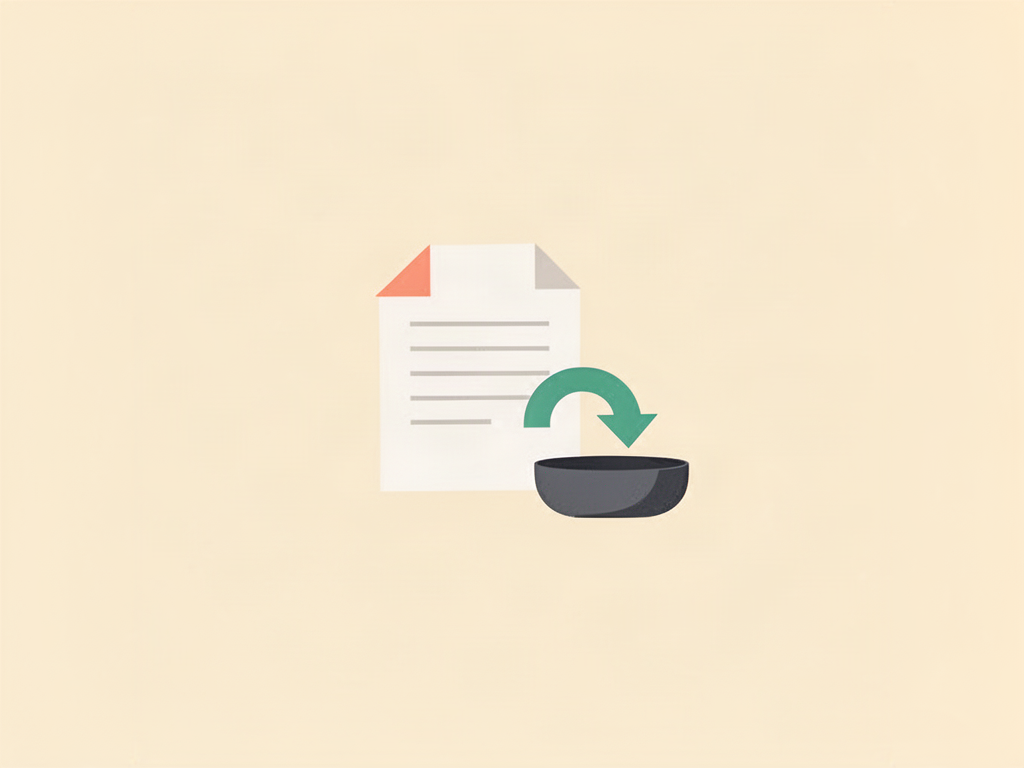
Typing in old transactions is the job nobody finishes. Now you don't have to start it. Most banks let you download your transactions as a CSV file. Drop that file into Halfway and it lands in the account you choose, categorised and ready to split.
It's built for couples whose bank can't sync, for the one card that never connects, and for anyone who wants their charts to start long before the day they joined.
How to import
- Go to Settings, Your Data, then Import from a bank file.
- Pick the account the transactions belong to.
- Drop in the CSV and check the preview: columns, dates and amounts, before anything is saved.
- Choose Personal or Shared, then import.
You can also start from the account itself: Import transactions on a manual account, or Import older history on a synced one.
Your balance never jumps
- Personal by default. Imports stay yours unless you choose Shared.
- Old shared spending arrives already settled. Anything shared and older than 30 days doesn't touch who owes whom, because the two of you sorted that out at the time.
- The last 30 days wait in review, so recent spending is split the same way as everything else.
- No duplicates. Anything already in Halfway is skipped, so an overlapping file is safe.
- One tap to undo. Every import has Undo this import on its result screen.
Your file stays on your device. Halfway saves only the transactions you import.
What to know
- Part of Plus and Premium. On the free plan you can preview your own file before upgrading.
- Works on the web and in the iPhone and Android app, so banks that only export on your phone, like Revolut, Monzo and N26, work too.
- Reads CSV exports from most banks in the US, Canada, the UK, Spain, France, Germany and beyond.
- Covers the last 12 months, up to 5,000 transactions per household.
- For a synced account, only transactions older than your first synced one come in.
- PDF statements, Excel files and OFX/QFX aren't supported. Coming from Splitwise? It has its own import under Your Data.