Your Dashboard, Not Ours
The dashboard has always shown the same things in the same order to everyone. That order was our best guess at what most couples want to see first, and for a lot of people it was wrong. If you never set a savings goal, a Goals card sat there every day doing nothing. If bills are the thing you actually worry about, they were buried below the fold.
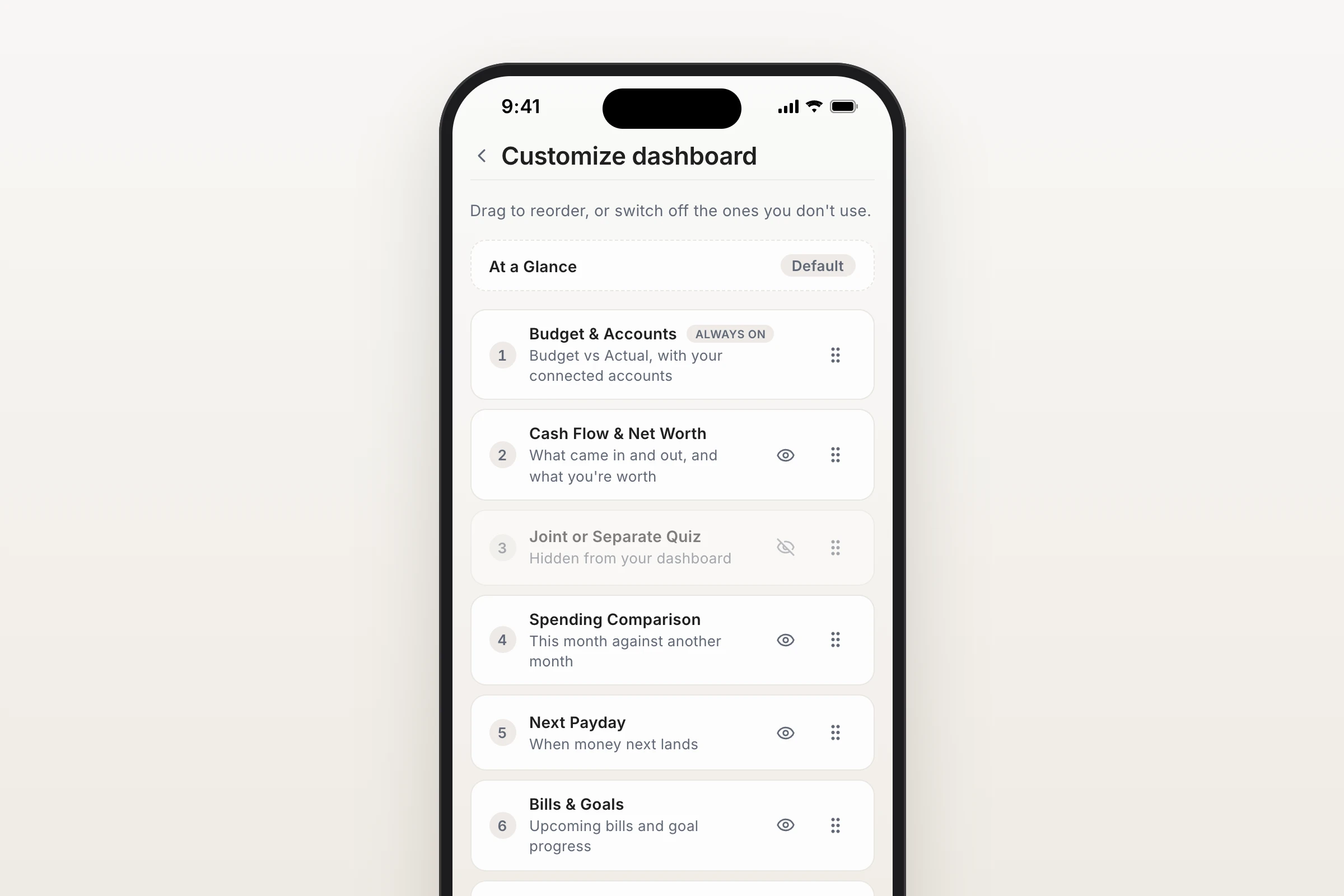
Move Anything, Switch Off What You Do Not Use
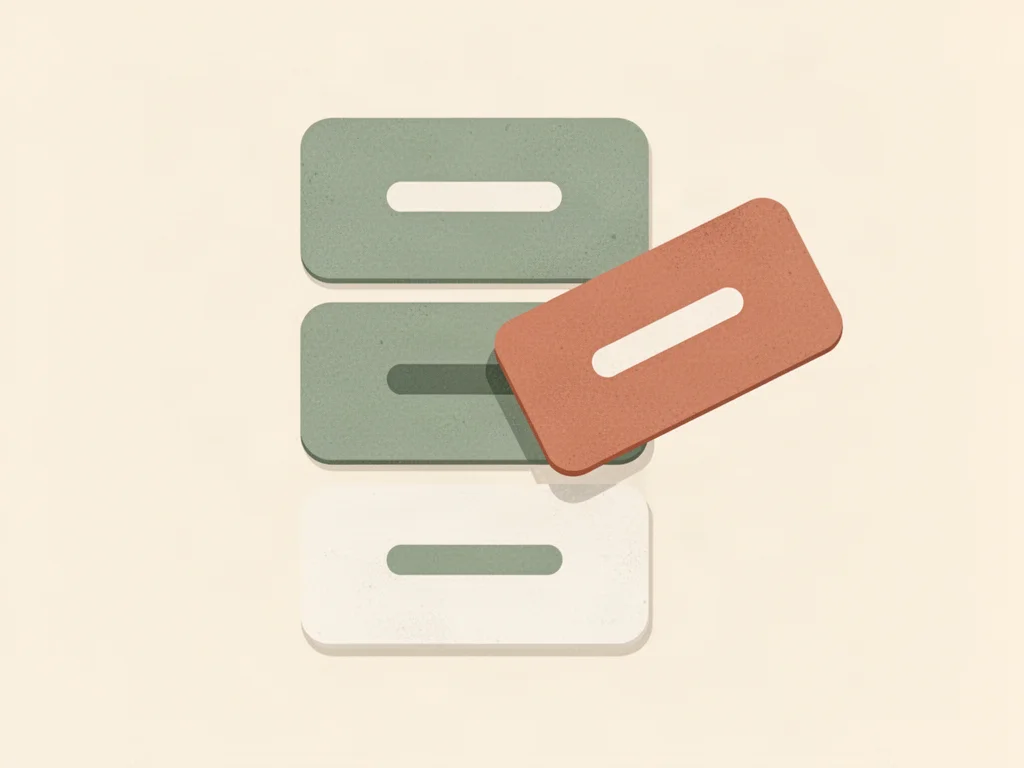
- Drag your dashboard sections into whatever order suits you, and switch off the ones you never look at.
- Scroll to the bottom of your dashboard and tap Customize dashboard, or find it under Settings.
- Switching a section off does not delete anything. The row stays in the list, greyed out, and turning it back on returns it to exactly where it was rather than dumping it at the bottom.
Your Phone and Your Computer Are Separate
This is the part we think you will appreciate. Phone and computer layouts are saved independently, because they are genuinely different screens. A wide monitor fits two cards side by side and shows five things at once; a phone shows one and a half. The order that works on one is rarely the order that works on the other.
So arrange your phone for the two things you check on the bus, and your computer for the full picture on a Sunday afternoon. Neither one overwrites the other.
Two Things That Stay Put
- At a Glance stays pinned at the top. It is the one-line answer to "where do we stand", and it belongs first.
- Budget and Accounts can be moved but not switched off. It is the reason the dashboard exists, and a dashboard without it is just a page.
It Is Personal, Not Shared
Your layout is yours. Rearranging your dashboard does not touch your partner's, so you can each set it up the way you think without negotiating about it.