
Download the Halfway app free for iPhone, Android and iPad
Halfway keeps your shared budget in sync everywhere you go. Free on iPhone, Android, and iPad, or right in your browser.
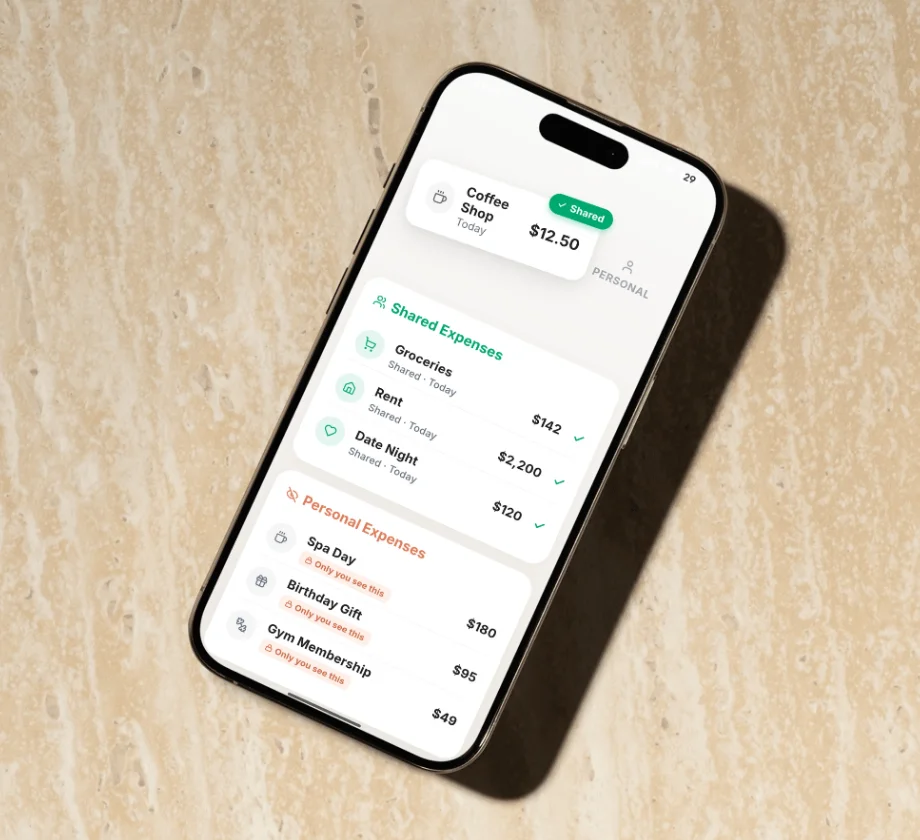
Halfway for iPhone
Access Halfway from any iPhone by downloading it from the App Store.
- Free on the App Store
- Face ID and instant notifications

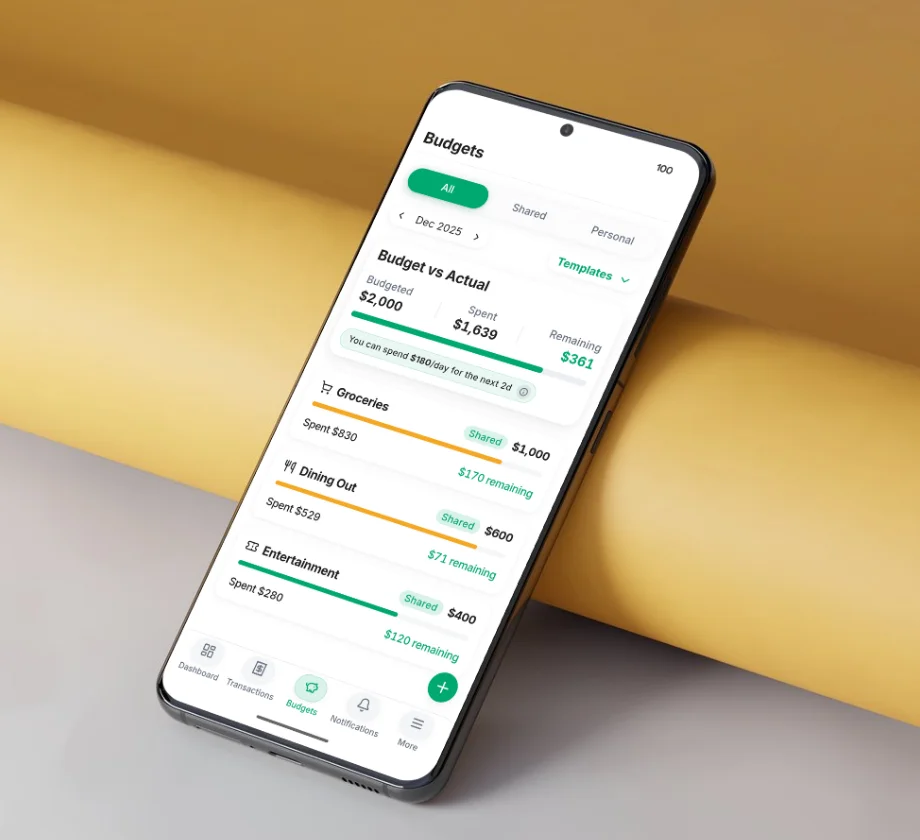
Halfway for Android
Access Halfway from any Android device by downloading it from the Google Play Store.
- Free on Google Play
- Fingerprint unlock and push reminders

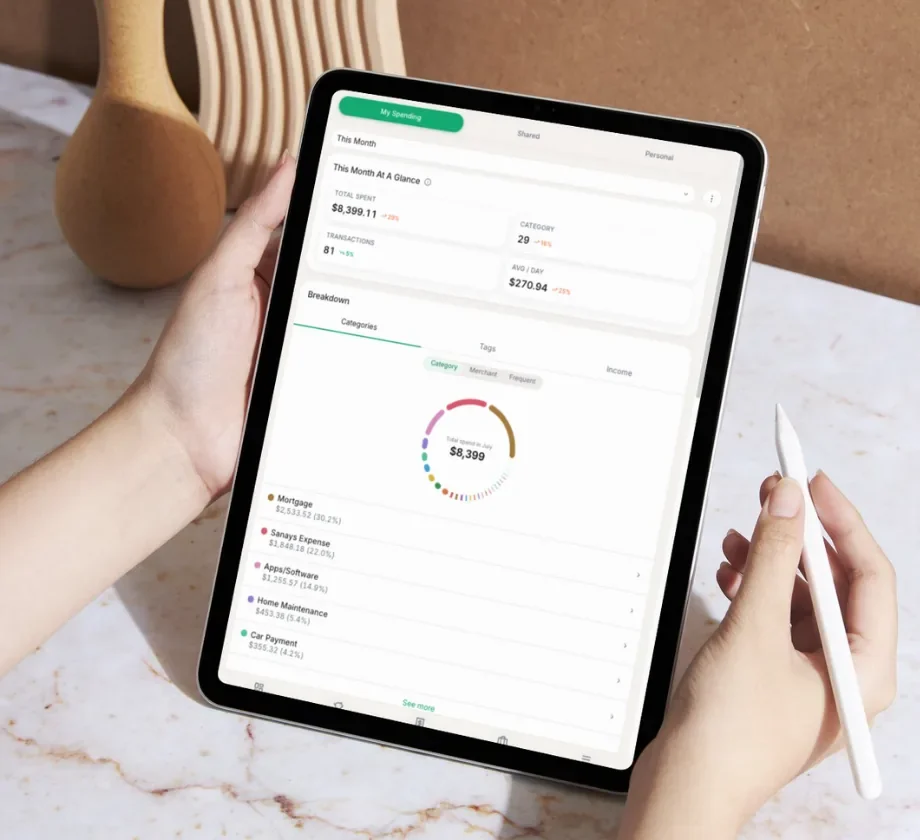
Halfway for iPad & Tablet
Prefer a bigger screen? Get Halfway on your iPad or Android tablet, or open it in any tablet browser.
- iPad: get it from the App Store
- Android tablets: get it on Google Play
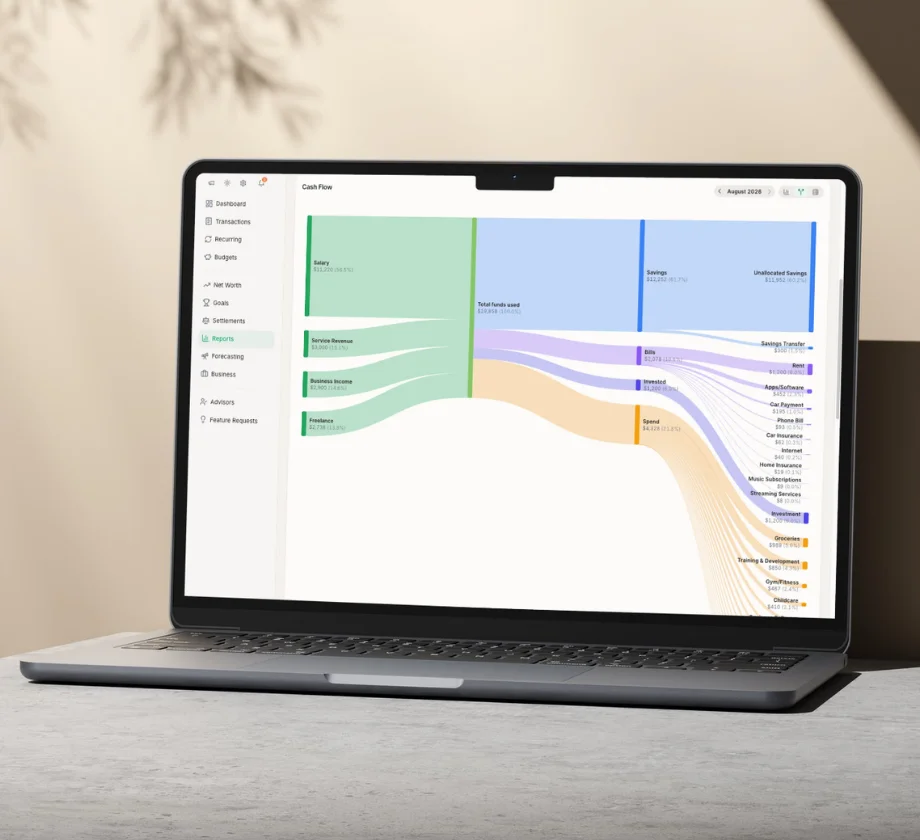
Halfway on the web
No download required. Sign in from any browser and pick up right where you left off.
- Nothing to install, works on any computer
- Always in sync with the mobile apps
Halfway app FAQ
Yes. Halfway has a free app for iPhone and Android, and it works on iPad too. You can also use Halfway directly in any web browser, with no download at all.
Yes. The Halfway app is free to download and free to use on iPhone, Android and iPad. The free plan covers everything you need to split and track shared expenses. Premium is optional and adds automatic bank syncing.
iPhone, iPad, Android phones and Android tablets, plus any web browser on a laptop or desktop. Everything stays in sync, so you can log an expense on your phone and review the month on a bigger screen.
You each get your own login. One of you creates the household and invites the other, and from there you both have your own account. Your partner can use the app or the browser version, whichever they prefer.
Yes. Sign in from any browser and you get the same shared budget as the app, kept in sync. Downloading the Halfway app just makes it faster to log an expense on the go.