No statements, no bank login
Apple Card has always been the awkward one. Most money apps could not see it at all, and the ones that could asked you to download a statement at the end of every month and upload it by hand. By the time you did, the month was over and the splitting was guesswork.
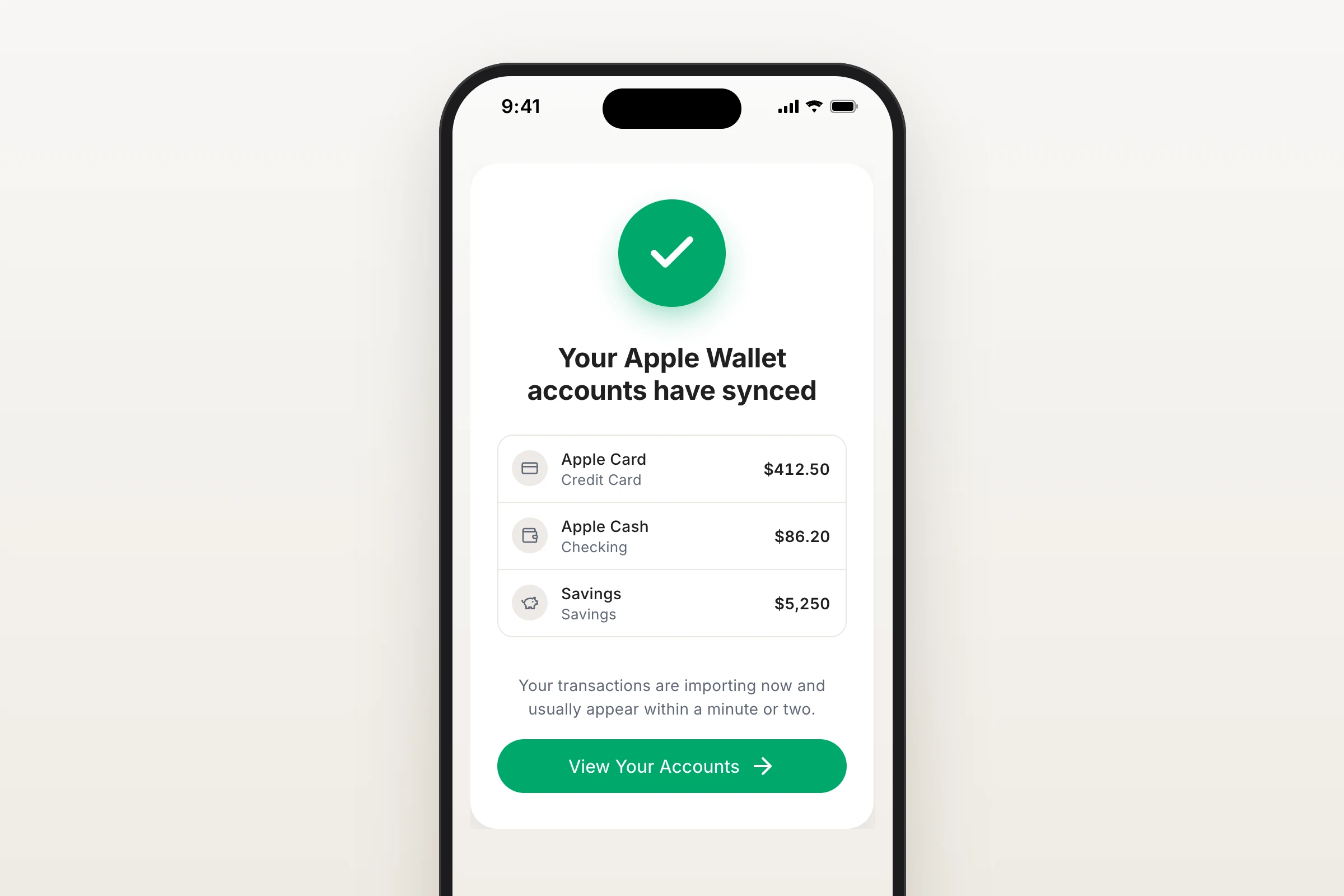
Now your iPhone does it. Halfway can read Apple Card, Apple Cash and Savings directly from Apple Wallet, using Apple's own FinanceKit, so your balances and transactions are there while the month is still happening.
How to connect
- Open Halfway on your iPhone and go to Accounts.
- Tap Add an account, then Apple Card, Apple Cash and Savings.
- Apple asks which accounts you want to share. Choose them, and you are done.
There is no bank login, and no password to hand over.
It works like every other account
- Purchases arrive as spending, ready to split by income like anything else.
- Paying your Apple Card bill is treated as a card payment, not new spending, so a purchase is never counted twice.
- Moving money into Apple Cash or Savings is treated as a transfer between your own accounts, so it does not look like income.
- Savings interest is counted as interest.
The privacy rule does not change: these accounts are personal until you mark an account as Joint or a transaction as Shared. Your partner sees nothing until you say so.
What to know
- Needs an iPhone running iOS 17.4 or later.
- Part of Premium, the same as connecting a bank.
- Because the data comes from your phone rather than a bank server, Apple Wallet updates when you open Halfway on your iPhone.
- You stay in control: turn sharing off any time in iPhone Settings, under Privacy and Security, Wallet, Halfway, or unlink Apple Wallet in Halfway. Your transactions stay where they are.