
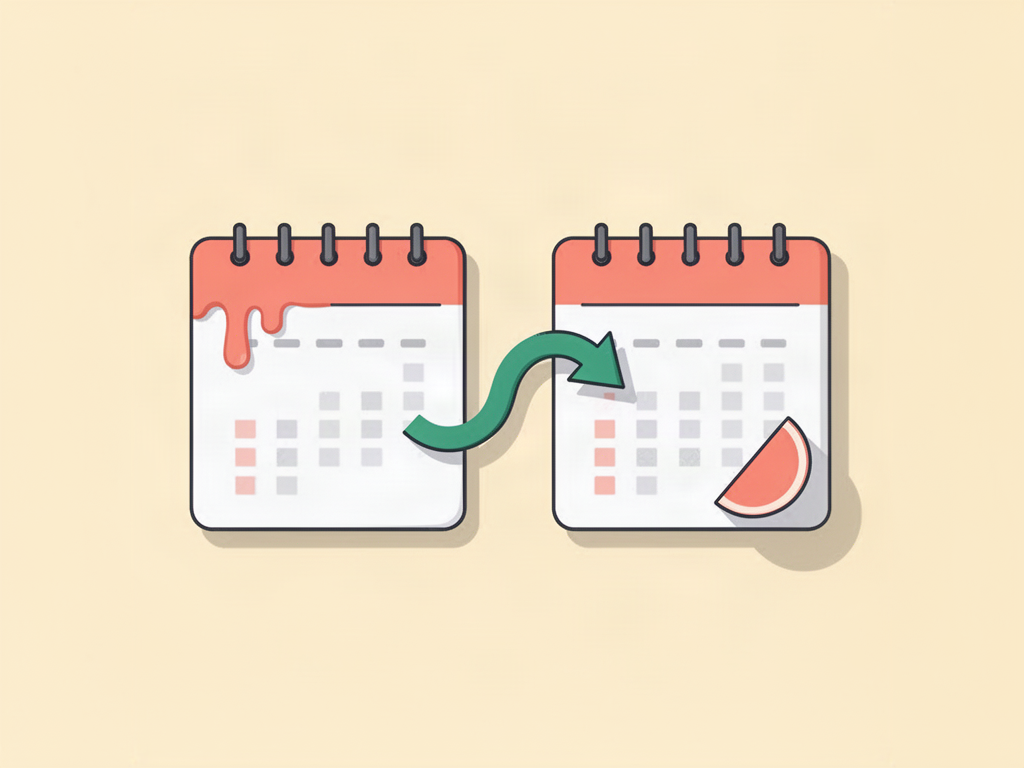
Rollover now works both ways
Rollover already carried your unspent money into next month. Now it can carry the overspending too. Turn on Also carry over overspending and a month you go over comes off the next one.
Spend $600 against a $500 budget, and next month starts at $400. Stay under, and the extra adds up. Your budget always tells the truth about where you stand.
How to turn it on
- Open Budgets and tap a budget.
- Turn on Roll over unused budget.
- Turn on Also carry over overspending right under it.
The budget card shows what came across, like − $100 from last month.
Good to know
- It counts from the month you switch it on. Earlier months never change.
- Go over by more than a whole month's budget, and that month shows $0 left. The rest comes off the month after.
- On a shared budget, it works for both of you.
- Off by default. Plain rollover still only carries money you didn't spend.
Thanks to the Halfway user who asked for this one.